Skip to content

Rewind a lecture that’s still happening.

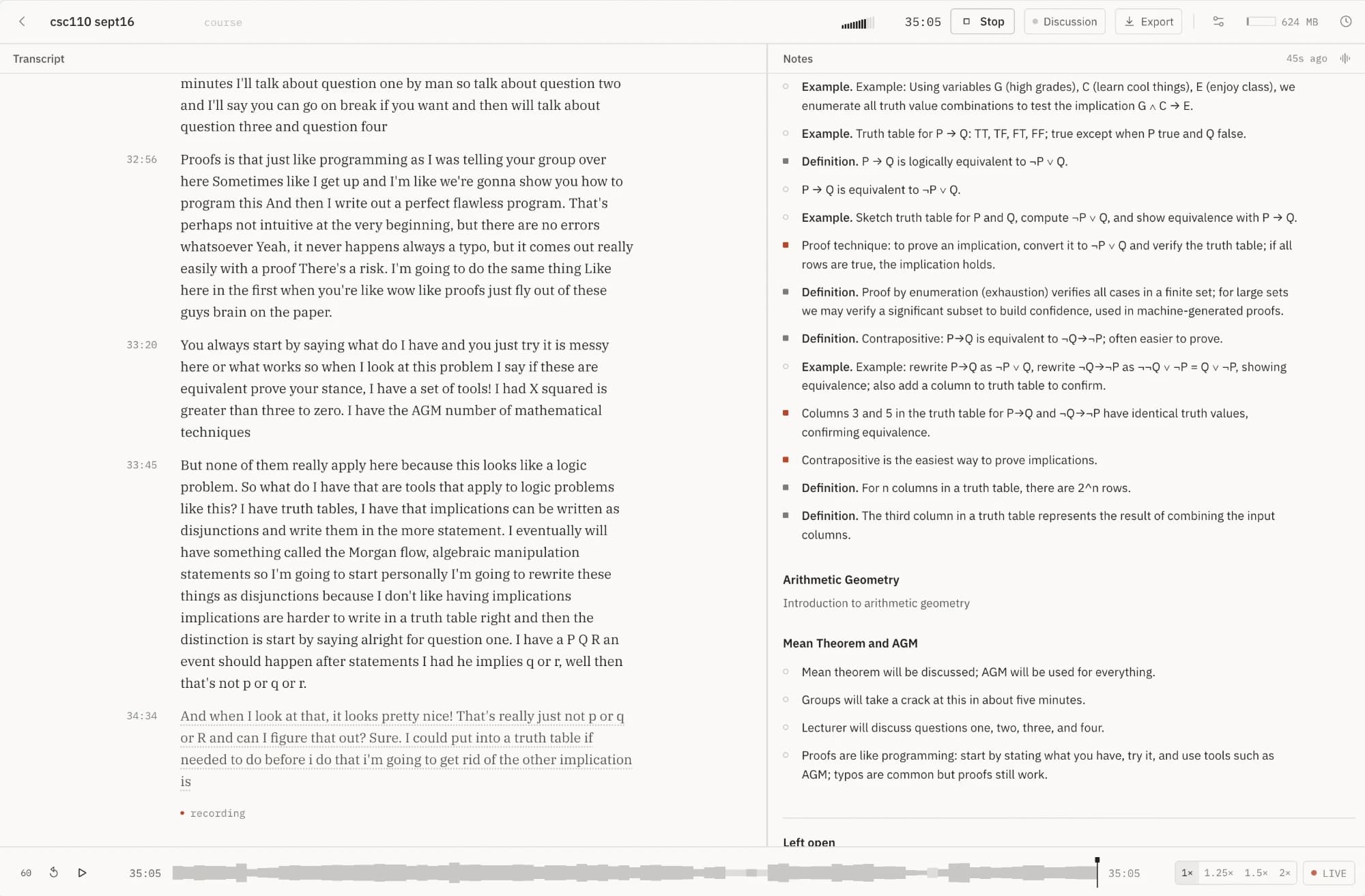
kewind records the lecture in your browser and writes the transcript and a set of structured notes beside it. Missed a sentence? Go back and hear it again while the recording carries on.

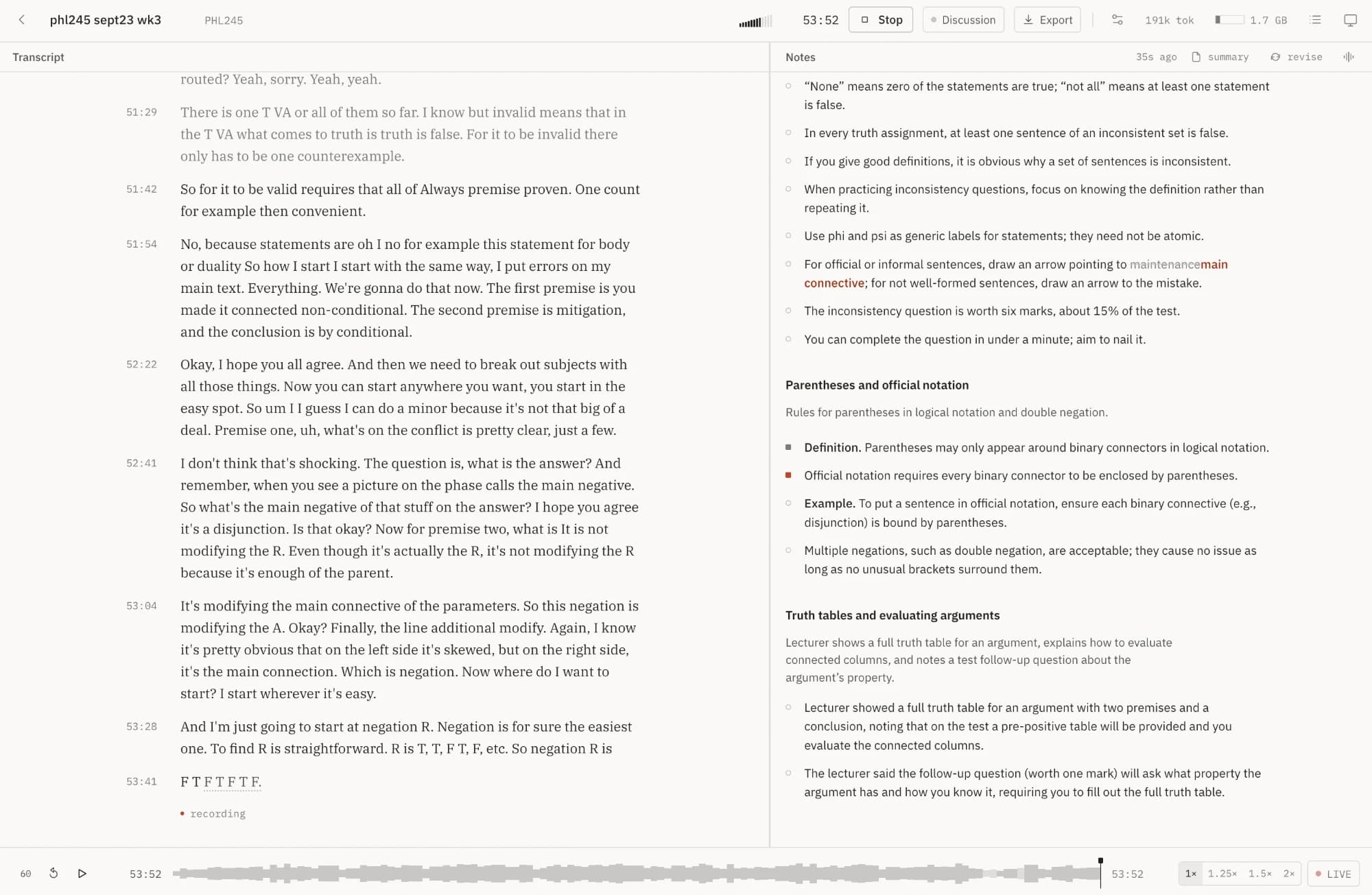
phl245 sept23 wk3
53:10
notes · 32s ago
  1. Invalid means there's a row where every premise is true and the conclusion is false. For it to be invalid there only has to be one counterexample.

  2. So for it to be valid, every row where all the premises are true has to make the conclusion true. One counterexample is enough to sink it.

  3. So how do I start? I start the same way. I put arrows on my main connectives. The first premise is a conditional, the second is a negation, and the conclusion is a biconditional.

  4. Now you can start anywhere you want. Start in the easy spot. Premise one, what's the main connective? It's pretty clear. It's a disjunction.

  5. Premise two. The negation is not modifying the R. Even though it's sitting right next to the R, it's modifying the whole parenthesis.

recording

53:10

Live.Drag the timeline back, or click any timestamp.

No account
Recordings live in your browser, not on a server of ours.
~14 MB an hour
Opus at 32 kbps. A three-hour lecture fits in about 42 MB.
24-second chunks
Saved as they're recorded. A crash costs one chunk at most.
Your models
Whisper on your laptop, or the provider you already pay for.

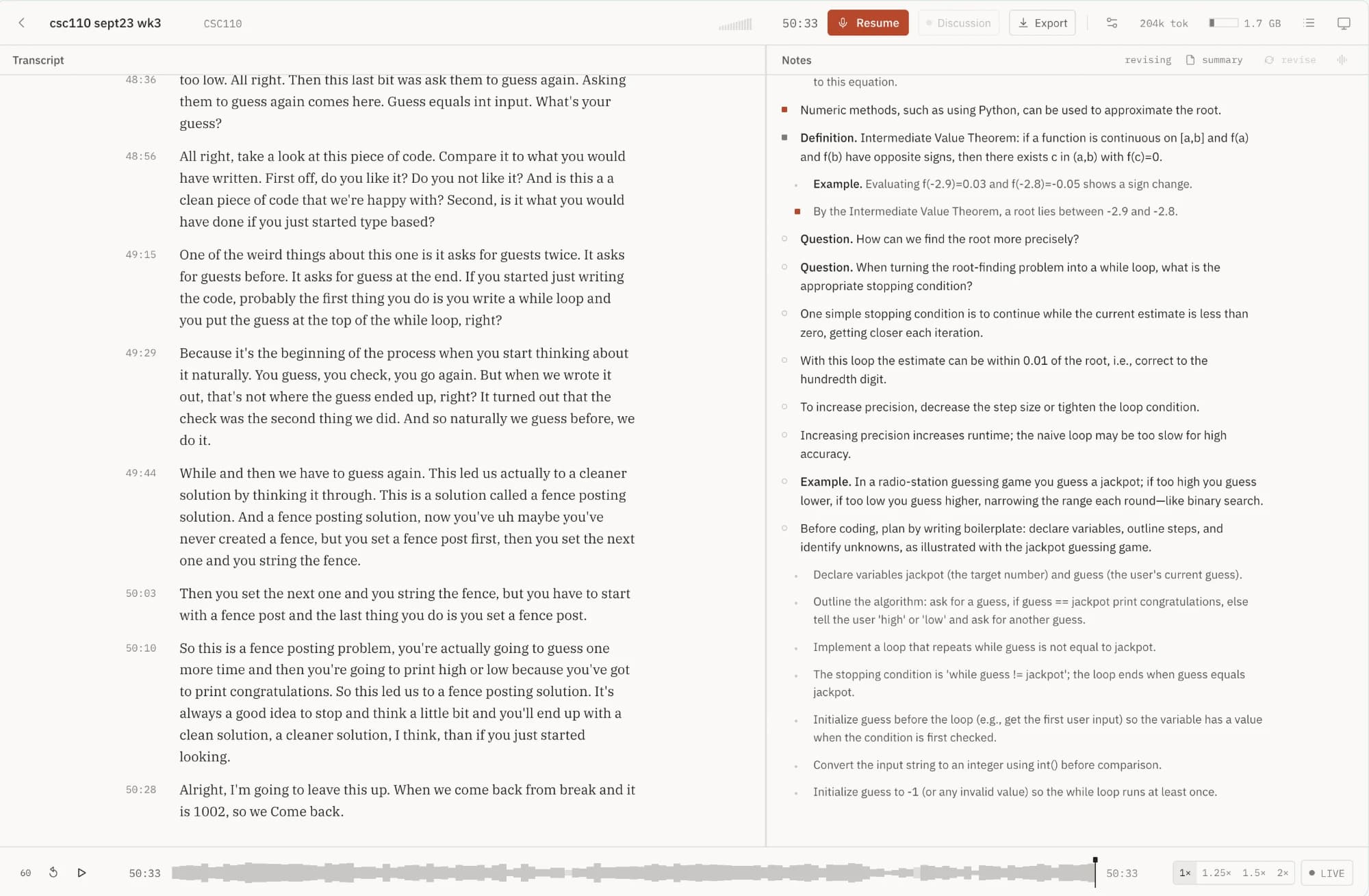
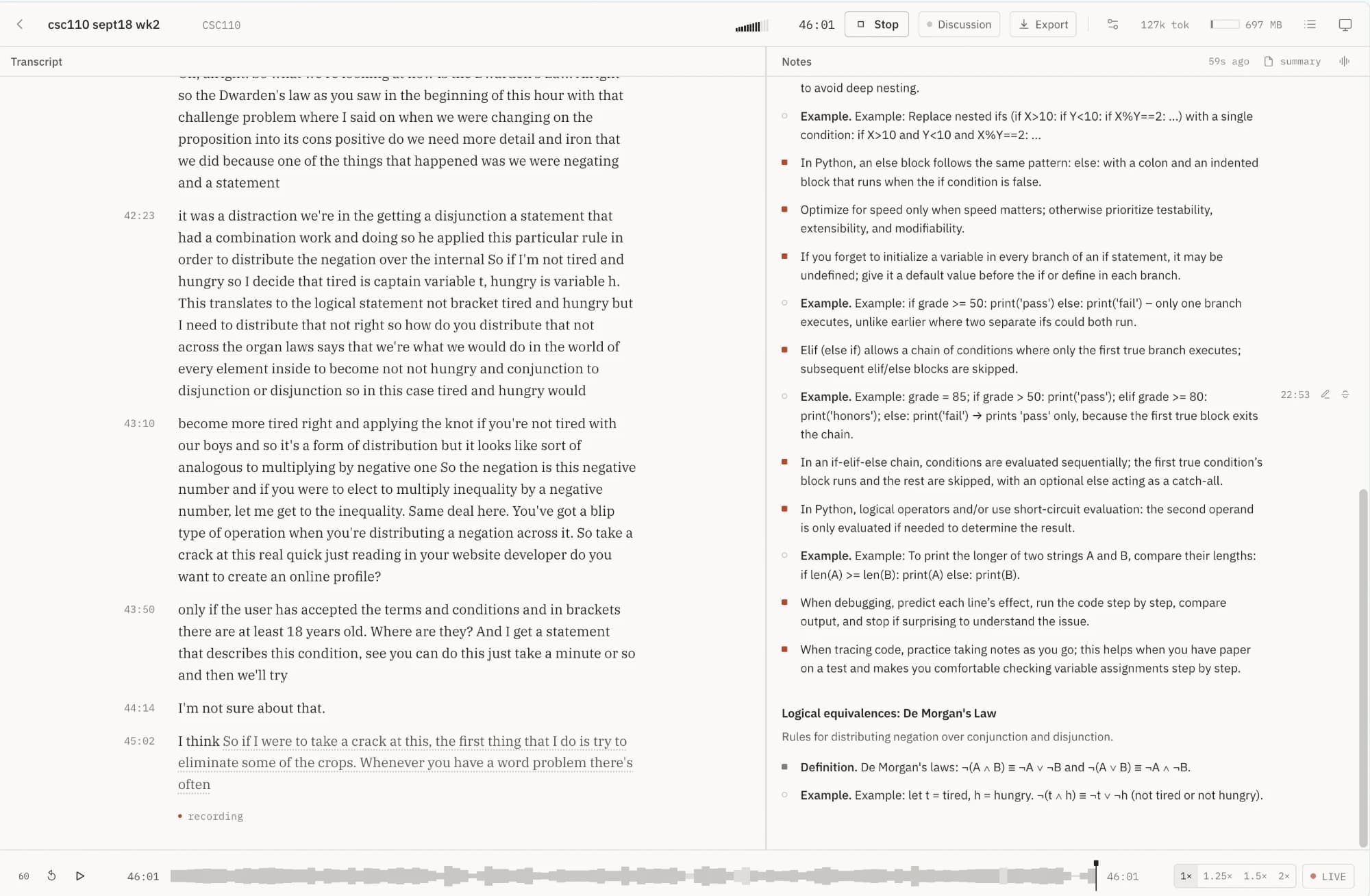
First-year philosophy and computer science, recorded from a seat in the hall. Nothing here was cleaned up for the page.

Notes that get edited, not piled up.

Summarise every minute of a lecture and append the results, and you get the same point written six times. kewind hands the model the notes as they stand and takes back a few edits, so the page gets better instead of longer.

Patches, not regeneration

waiting for the next pass…0/4 ops

Truth tables

  • An argument is valid if its premises are true.b12
  • Valid means the conclusion follows from the premises.b9
  • Start with the easiest column, usually a negation.b14

returned by the note model

    Same ids before and after. Nothing re-written.

    Discussion mode

    Group work stays out of the notes.

    …so that’s the definition. Try the next one with the people next to you.

    discussion · 12:04–21:40wait is it P arrow Q or Q arrow P…

    Okay, let’s vote. Who said Q arrow P?

    D Still recorded, still in the transcript, never shown to the note model.

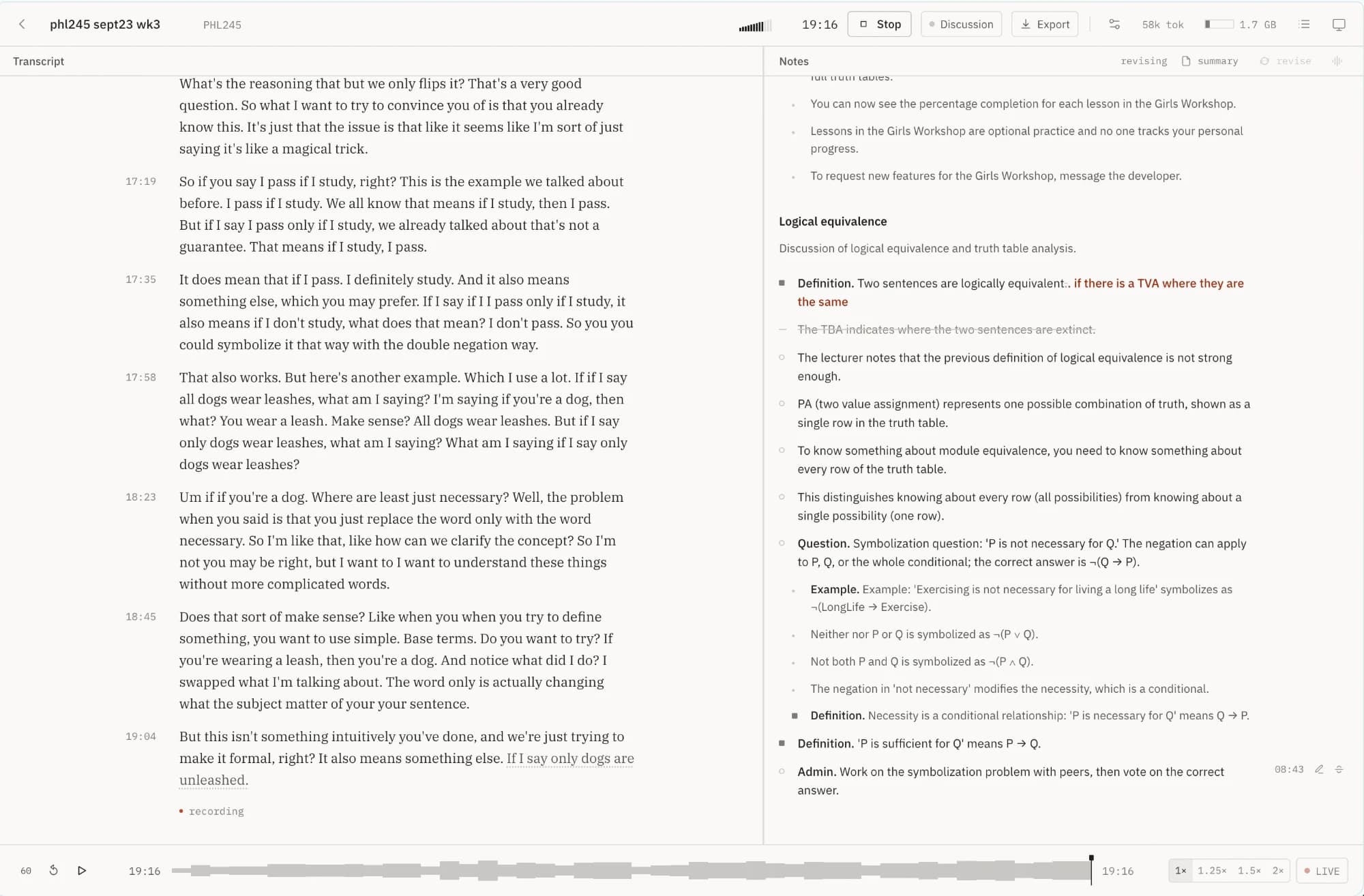
    Strike

    Wrong stays struck.

    The TBA indicates where the two sentences are extinct.

    Struck bullets stay visible and export struck. The model is told not to write them again.

    Source links

    Every note knows where it came from.

    Neither P nor Q is ¬(P ∨ Q). 08:43

    Click the time and the audio starts 1.5 seconds early. A sentence needs its run-up.

    Master summary

    One document for exam week.

    Symbolising English

    PhraseSymbolises as
    P only if QP → Q
    P is necessary for QQ → P
    Neither P nor Q¬(P ∨ Q)

    The one time the model sees the whole lecture: a rewrite into headings, prose and tables, written when you ask for it.

    Out and around

    Markdown out. Hands on the keyboard.

    MarkdownWritten summaryPlain textJSON
    Space
    play or pause
    ←→
    five seconds; with ⇧, thirty
    L
    back to live

    From the microphone to the page.

    Every stage saves its work before the next one starts. Close the lid mid-lecture and you lose one chunk at most. Record with no provider set up and the work waits in a queue until you add one.

    1. 01

      Record

      Audio is cut into 24-second chunks, each a complete file, and written to your browser's storage as it's recorded.

      Opus · 32 kbps · ~14 MB/hour

    2. 02

      Gate

      Chunks that are only room noise are never sent anywhere. Nothing to pay for, nothing for a model to hallucinate over.

      rolling noise floor, not a fixed threshold

    3. 03

      Transcribe

      On your laptop or with a provider you pick. The newest line stays underlined until the next chunk confirms where the sentence ended.

      Whisper · Parakeet · Groq · OpenAI · self-hosted

    4. 04

      Patch

      Every minute or so the note model reads what's new and sends back a few edits to the notes. Never a fresh copy.

      Claude · any OpenAI-compatible model · Ollama

    Your lecture library lives in your browser.

    No accounts and no sign-in. Requests to a provider pass through kewind’s server, which forwards them and keeps nothing. Models see only what their one job needs, and only the models you picked see anything.

    The catch: clearing your browser’s site data deletes your recordings. Export what you want to keep.

    Stored only in your browser

    Recordings
    In this browser's IndexedDB, chunk by chunk, as they're recorded.
    Transcripts and notes
    Same place. There's no kewind database to sync them to.
    Provider settings
    Including your API keys, in this browser's local storage.

    Sent only to providers you chose

    Audio chunks
    To the transcription provider you chose. With on-device Whisper, nowhere.
    Transcript and notes
    To the note model you chose, a few minutes' worth at a time.
    Your API key
    With each request, to its own provider. Nothing on the way keeps it.
    Placeholder: quote

    “I stopped trying to write everything down. I write the one thing I actually think, and kewind has the rest — including the forty seconds I spent confused.”

    Student nameProgram, year · university
    Placeholder: pricing

    Pricing

    Placeholder tiers and prices. Nothing here is decided.

    • Local

      For anyone with a laptop and their own API key — or none.

      Free

      • Unlimited lectures, stored in your browser
      • On-device Whisper, or bring your own provider
      • Rewind, strike, summary, every export
      Start recording
    • Student

      recommended

      Hosted transcription and notes, no keys to manage.

      $4/ month, billed yearly

      • Everything in Local
      • Hosted transcription, ~40 lecture-hours a month
      • Hosted note model, tuned for lectures
      • Priority on new features
      Choose Student
    • Department

      Accessibility offices and course teams.

      Custom

      • Seats for a course or an office
      • Your own model endpoints and data residency
      • Invoiced billing
      Talk to us

    Before you press record.

    Bring a laptop to your next lecture.

    Open it before the lecturer starts, press record, and listen to the lecture instead of transcribing it by hand.

    Placeholder: form